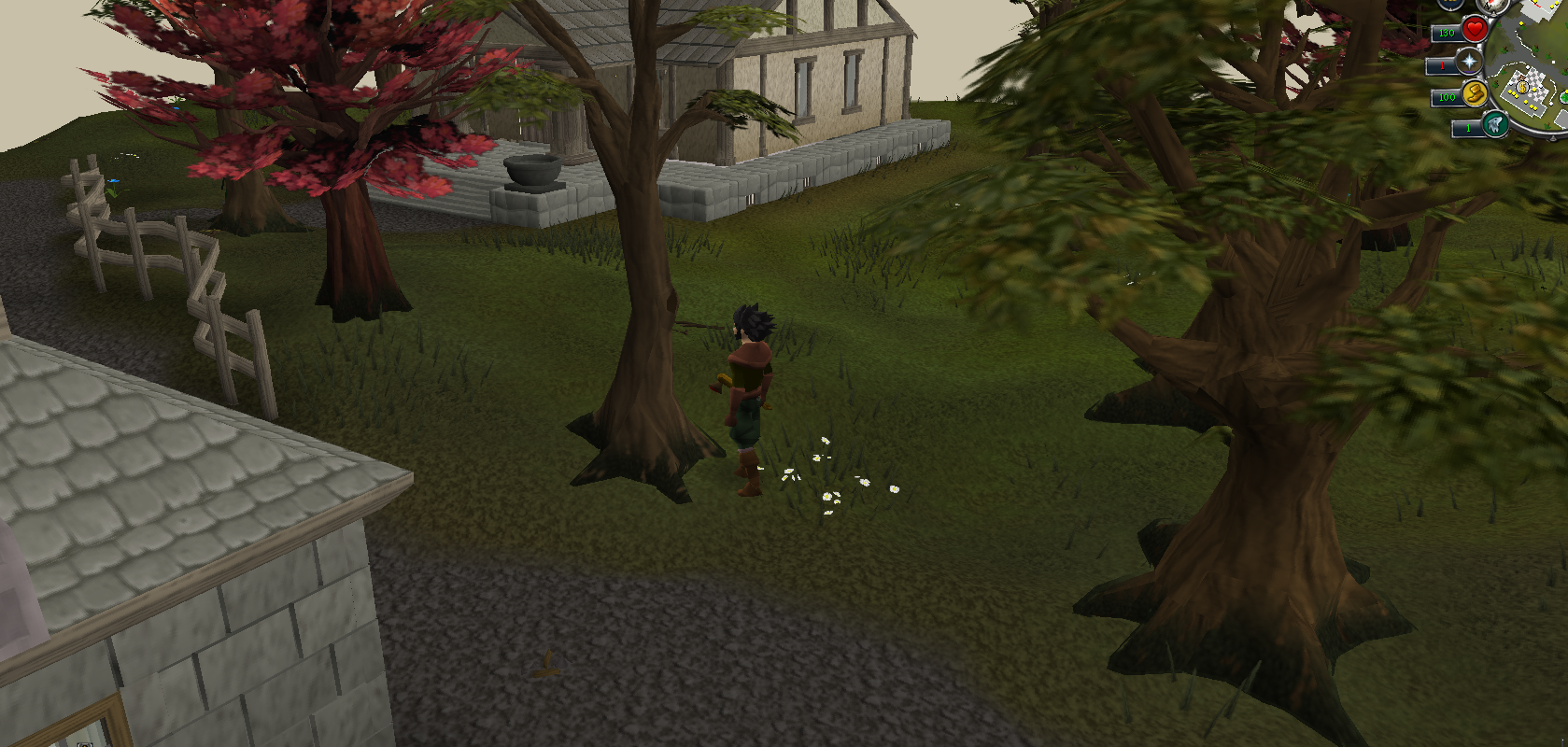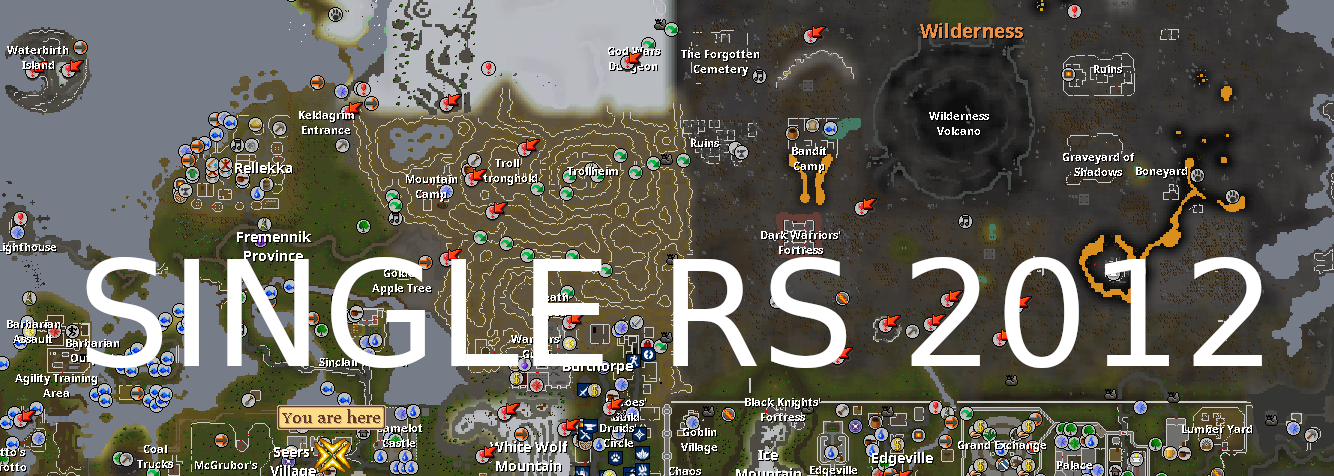
No hosted server. No MongoDB. No lobby service. No internet connection. The Darkan client and the local world engine start together and the client talks only to 127.0.0.1.


Features
Core
- Single-process offline design — no external database, hosted server, or internet connection
- The world and its matching client start in one JVM, with the bundled cache and Java runtime
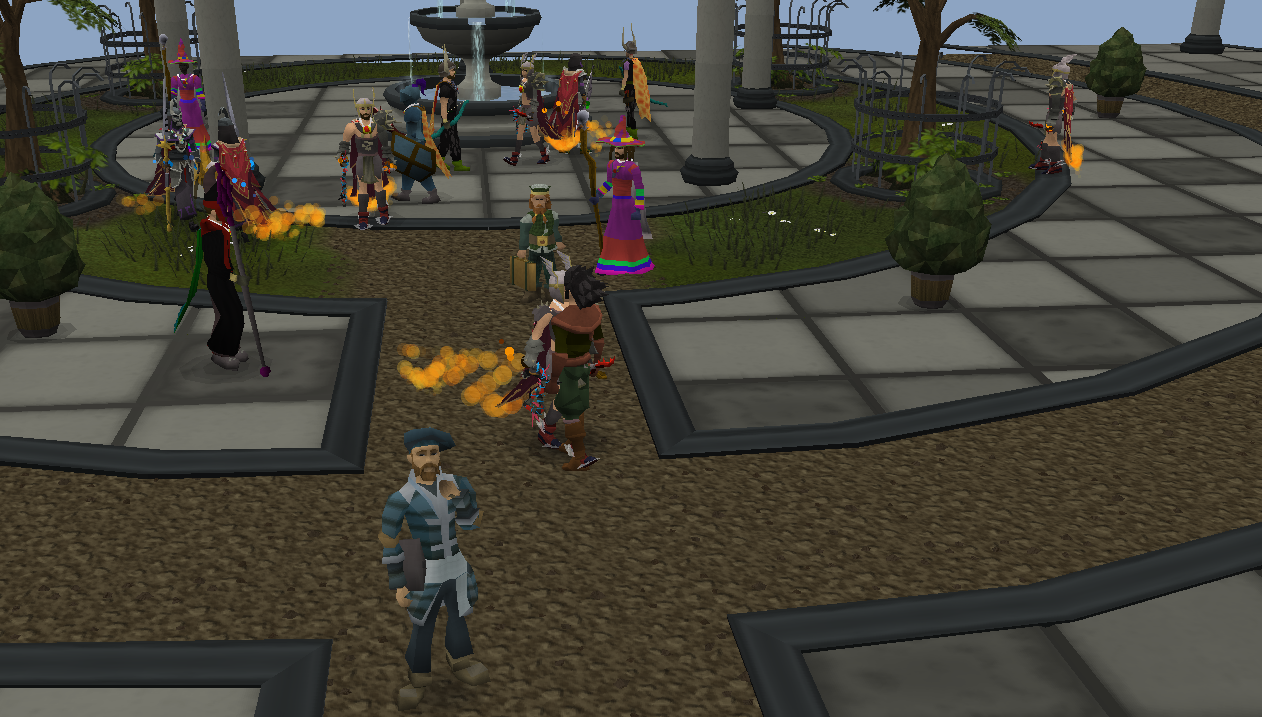
- 286 server-controlled player entities rendered through the real player protocol
- Local Grand Exchange, highscores, and world state — all written under
saves/ - Every lodestone home teleport unlocked, including the quest-gated destinations
- Configurable XP rate — 1× by default, or any multiplier such as 25× or 50×
- Autosaves every 30 seconds, plus a final synchronous save on a normal shutdown
Quality of Life
- Any new username creates a local character — passwords are ignored
- Admin account: log in as
rootfor all owner commands - Back up or move a whole game by copying the
saves/folder - One-command launch on Linux (
./run.sh), Windows (run.bat), and macOS (./run.command) - Trade social bots directly through the Player Marketplace, or use the local Grand Exchange
Player Bots
- Distinct entities — own names, genders, appearances, equipment, skills, and combat levels
- Social players populate towns, Daemonheim, and the Grand Exchange — follow one, inspect its stats, or open a trade
- Full conversations — nearby players answer public chat, respond to private messages from the normal Friends List, and talk with one another
- Individual persistent personalities — every player has its own blend of role, temperament, speech style, favorite skill, favorite activity, personal goal, and conversational quirk across every chat channel
- Real resource tasks — bots route to actual trees, rocks, and fishing spots and use the game's real skilling actions, tools, bait, XP, and resource depletion instead of standing still and playing fake emotes
- Independent and grouped players — roughly one bot in five follows a solo routine while the rest travel in persistent regional teams; bots search or keep moving when no valid resource is nearby
- Real player stats — inspection shows all 25 live XP-backed skill levels used by the bot itself; bots have distinct melee, ranged, or magic builds and preserve genuinely earned XP
- Nearby group status — use
::botgroupsto find local teams and see whether they are travelling, searching, or using nearby resources - Join or lead a group — choose Group options on a bot to join, or use
::botgroup create My Teamand invite up to seven bots into a persistent group that follows you - Ollama-only conversations — every spontaneous line, bot-to-bot follow-up, and public, private, or clan reply comes from Ollama with persistent per-player memory; there are no shared scripted fallback replies
- Visible and private —
::ollamastatusreports the active chat mode,::ollamamodelchanges the model in game, and::ollamaforgeterases locally saved conversation memory - Bot clans — create your own clan from the Clan Chat tab, then use a player's Clan options to join their clan or recruit a clanless player into yours
- Clan combat parties — use
::clanpartyto summon up to four recruited members for bossing and Wilderness multi-combat PKing; use::clanparty dismissto send them home - Wilderness players — the 88 PK bots are the only population bots that can attack or be attacked
- Activity helpers for bosses, Dungeoneering, and Pest Control stay activity-specific: no XP, no drops, no saved accounts
Ollama-only conversations
Bot conversations require Ollama so every reply can follow the speaker's individual identity. Install Ollama, then download the default model once:
ollama pull qwen3.5:4b
::ollamastatuschecks whether Ollama and the selected model are available::ollamamodelshows the current model and suggestions::ollamamodel qwen3.5:4bswitches models while playing; the next bot reply uses it without a restart::ollamamodel resetrestores the configured default- The selected model and conversation memory are saved locally between sessions
- If Ollama or the selected model is unavailable, bots stay silent instead of using shared scripted replies
Local Highscores
The game creates saves/highscores-export.json when you log in and refreshes it automatically every 30 seconds. Connect that file once and this page remembers your latest rankings, search, and open profile across page refreshes, then reloads current character and bot stats while the game is running. Your rankings are read only by this browser and are never uploaded.
Connect your local highscore file once to enable automatic updates.
| Rank | Player | Type | Level | XP |
|---|---|---|---|---|
| Start the game, then connect saves/highscores-export.json. | ||||
| Skill | Level | XP |
|---|
Get started
Linux
- Download the ready-to-run latest release from GitHub, then extract the archive
- Play at normal rates:
./run.sh - Play at a boosted rate:
./run.sh 25or./run.sh 50
Windows
- Download the ready-to-run latest release from GitHub, choose the Windows x64 ZIP, then extract it
- Play at normal rates:
run.bat - Play at a boosted rate:
run.bat 25orrun.bat 50
macOS
- Download the ready-to-run latest release from GitHub, choose the macOS x64 ZIP, then extract it
- Play at normal rates:
./run.command - Play at a boosted rate:
./run.command 25or./run.command 50 - Intel Macs run it directly; Apple Silicon Macs require Rosetta 2 for the original 2012 Intel client libraries
Good to know
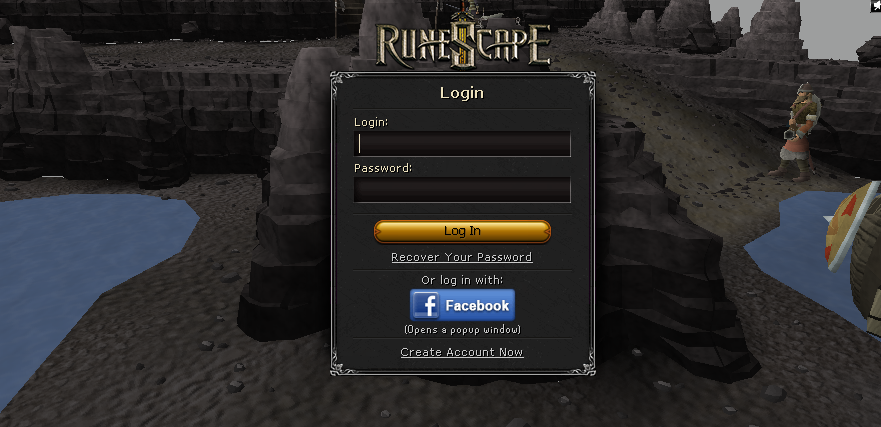
- Pick any new username at the login screen — that creates the local character. Password text is ignored.
- The Linux, Windows, and macOS release archives ship the cache, prebuilt jars, and a bundled Java runtime.
- Source checkouts omit the proprietary game cache — place a compatible cache in
darkan-cache/. - A fresh source build may fetch dependencies once; a prepared release runs offline from the start.
Screenshots